 Suppa

Comparing ReciMe
Like ReciMe, but the whole household plans dinner together.
ReciMe and Suppa both save recipes from TikTok, Instagram, and recipe sites and turn them into a meal plan and a grocery list. Suppa is built for more than one cook: each person in the house gets their own account on the same plan, free, and recipe-site links don't count toward an import limit.
Free on iPhone.
On Android, use it in your browser.
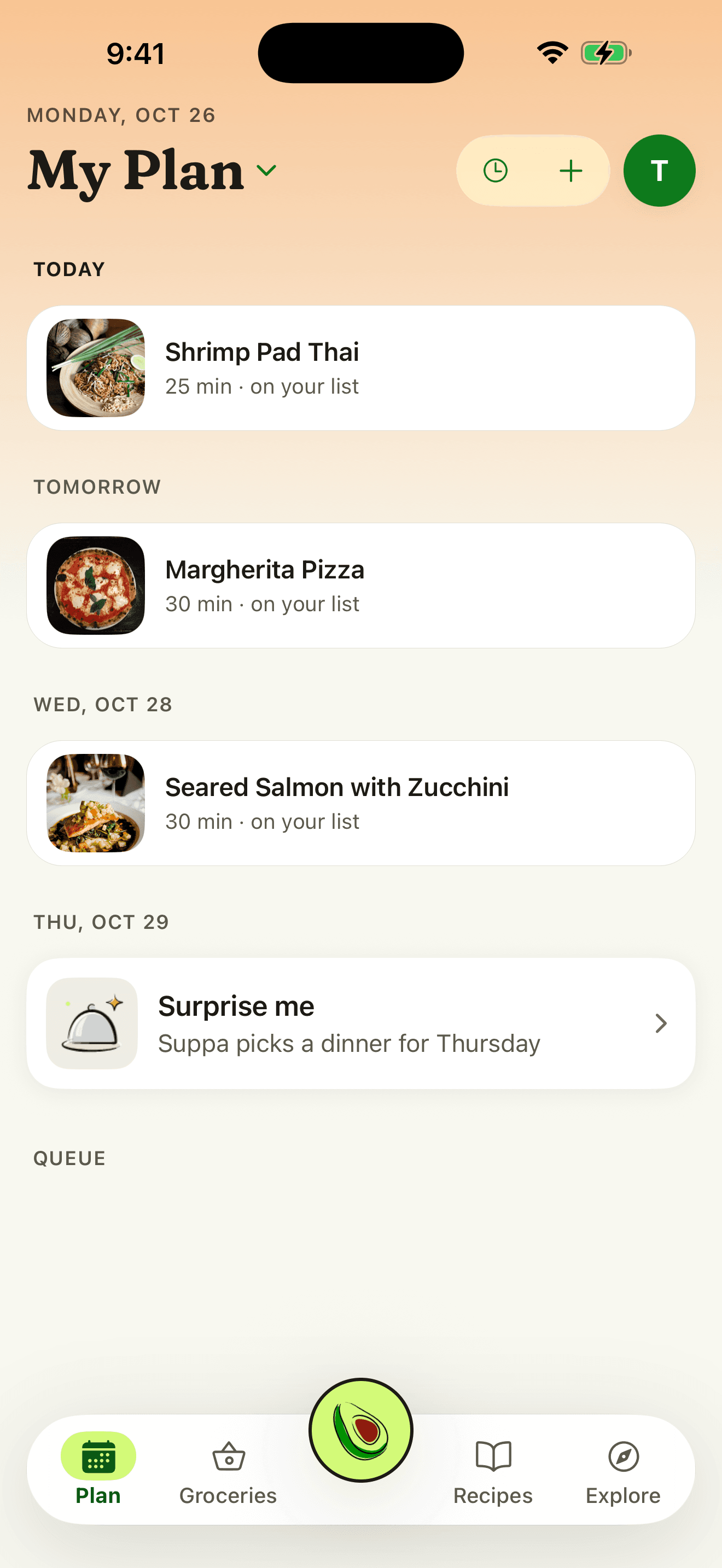
How Suppa compares to ReciMe
| ReciMe | Suppa |
|---|---|
| Where recipes come from | |
| Recipe sites, TikTok, Instagram, YouTube, Facebook, and Pinterest posts, photos and cookbook scans, pasted text, or your own | Links from any recipe site, TikTok, Instagram, and YouTube posts, cookbook photos, screenshots, or your own |
| Free imports | |
| 5 a week on the free plan, and links count toward them | Recipe-site links are free and don't count toward a limit. TikTok, Instagram, and YouTube videos and photos are free up to a monthly limit, and Plus raises it. |
| Sharing with your household | |
| Everyone signs in to the same ReciMe account | Free on every plan. Send an invite link, and each person signs in to their own account to see and change the same plan and grocery list. |
| Meal plan | |
| Breakfast, lunch, dinner, and snack slots for each day of the week | Dinners from your recipe book on any night of the week, and you can move one when plans change |
| Grocery list | |
| Grouped by aisle, with Instacart ordering in the U.S. | Built from the plan and grouped by aisle. It skips pantry staples you have and can send the list to Instacart. Plus can also fill a Kroger-family cart. |
| Cooking | |
| Step-by-step cooking mode comes with ReciMe Plus | Cook Mode is free: one step at a time, with timers on the Lock Screen. |
| Help deciding | |
| On ReciMe Plus, Ask ReciMe answers questions about the recipe you have open | The Assistant suggests and plans dinners from your recipes around your household's tastes and allergies, and remembers what worked. The free plan includes a few messages a month; Plus includes far more. |
| Phones and computers | |
| iPhone, iPad, and Android, plus a web app in beta | The iPhone app, plus the web app for Android phones and computers |
Moving your recipes from ReciMe
Share the original links again
For a recipe that came from a recipe site or a TikTok, Instagram, or YouTube post, open the original and share it to Suppa from the share sheet. Recipe-site links don't count toward an import limit.
Screenshot the ones you typed in
For a recipe you wrote yourself in ReciMe, take screenshots of the ingredients and steps. In Suppa, tap Import from Photo and pick them. Suppa reads them and fills in the recipe for you to check.
Put them on this week's plan
Put a recipe on Tuesday, then tap to add its ingredients to your grocery list, grouped by aisle.
When ReciMe is the better fit
- You want an Android app. ReciMe has one. There's no Suppa app for Android yet. On Android, Suppa runs in your phone's browser.
- You plan breakfast and lunch too. Suppa's plan is built around dinner. ReciMe's planner has a slot for every meal of the day.
- You save from Pinterest or Facebook. Suppa works best with TikTok, Instagram, and YouTube posts and with recipe sites.
Questions
Can I move my ReciMe recipes to Suppa all at once?
Not in one step. ReciMe exports one recipe at a time, as a link or a PDF. The quickest way is to share each recipe's original link to Suppa and use Import from Photo for recipes you typed in yourself.
How many recipes can I import for free?
Importing from a recipe site is free and doesn't count toward a limit. Videos and photos are free to import up to a monthly limit, and Suppa Plus raises it.
Can my partner see the plan and the grocery list?
Yes, and it's free. Send them an invite link to a shared plan. You each sign in to your own account, see the same week and grocery list, and check things off as you shop, without a subscription.
Is Suppa free?
Yes. Importing from links, videos, and photos is free, and so are meal planning, grocery lists, shared plans, and Cook Mode. The free plan also includes a few Suppa Assistant messages a month. Suppa Plus adds far more, plus more video and photo imports each month. Paid plans start at $9.99 a month. If you're eligible for a free trial on iPhone, you'll see it before you subscribe.
Sources, checked October 12, 2026
Plan this week's dinners with the recipes you've saved
Free to download. No card needed.
On Android or a computer, use Suppa in your browser.
Updated October 16, 2026.