 Suppa

Family meal planner
Plan dinners as a family, with a grocery list everyone can see.
In most houses, one person knows what's for dinner this week and what's missing from the fridge. A shared plan in Suppa puts the week's dinners and the grocery list on everyone's phone. Your partner can move Thursday's tacos to Friday, and you'll see it before you leave the store.
Free on iPhone.
On Android, use it in your browser.
Set up a shared plan
Create a shared plan
Tap the plan's name at the top of the Plan tab and choose Create shared plan. Give it a name your household will recognize.
Send the invite link
Share the link by text or any app. Each person signs in to their own Suppa account and joins from the link. Up to 12 people can share a plan.
Plan and shop together
Anyone can add a recipe to a night, move a dinner, or check off groceries. Changes show up on everyone's phone.
A shared grocery list, and the week it came from
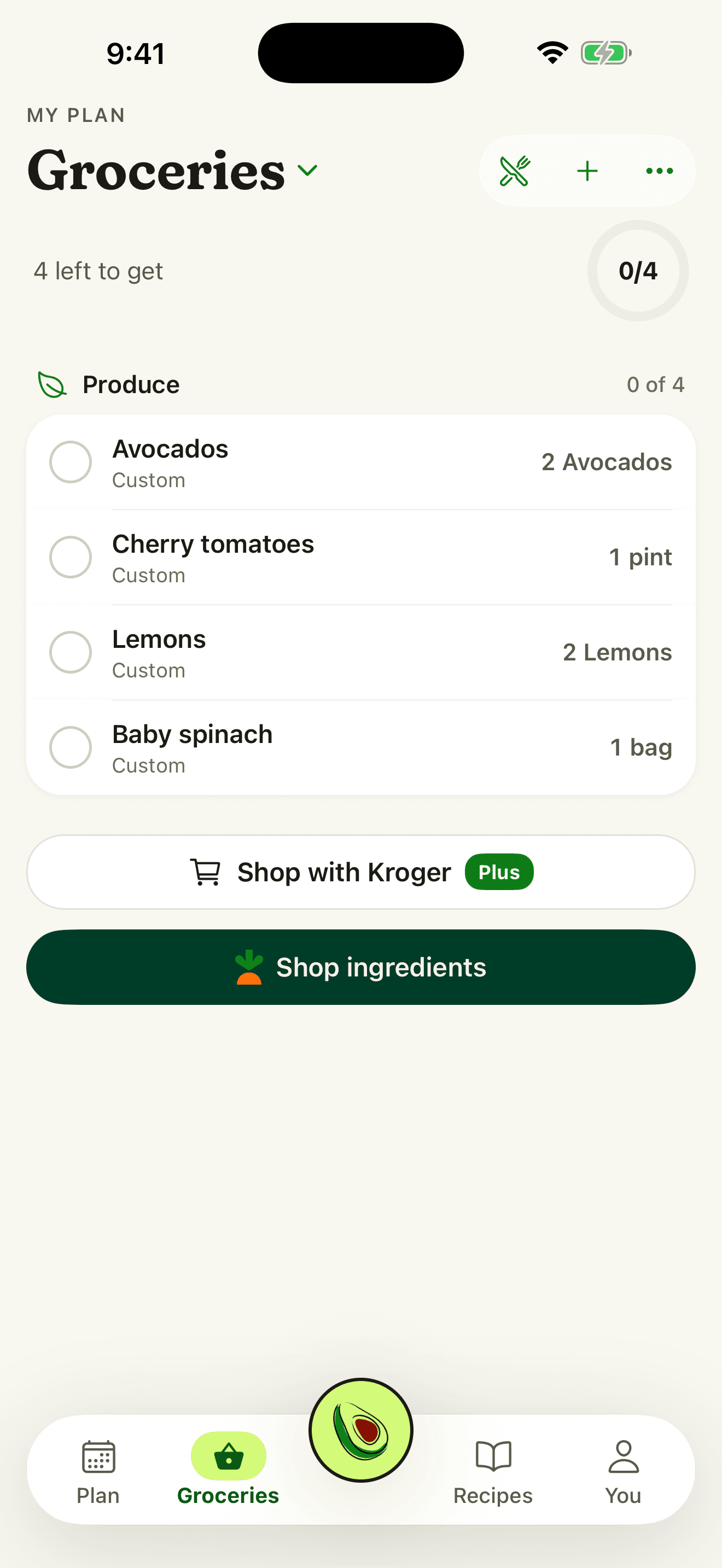
- The grocery list. Built from the plan and grouped by aisle. Whoever is at the store checks things off, and the rest of the house sees it.
- The week's dinners. Every dinner on the plan, whoever added it.
- What's already in the pantry. Swipe an item you have, like olive oil, into Pantry staples, and it comes off the shared list for everyone.
Details
- Your own plan stays yours. You keep a personal plan alongside any shared ones, and switch between them from the plan's name.
- No passwords to share. Everyone uses their own account, so nobody signs in as someone else.
- Free on every plan. Creating and joining shared plans doesn't need a subscription, and it stays free if a subscription ends.
Questions
Does my partner need to pay to join?
No. Shared meal plans and grocery lists are free for everyone. Your partner opens your invite link, signs in to their own account in the iPhone app or a web browser, and joins.
How many people can share a plan?
Up to 12, including you. Each person can belong to as many as 10 shared plans.
Can someone on Android join?
Yes. They open the invite link in their phone's browser, sign in, and use the same plan and grocery list on the web. Suppa's app is for iPhone, so on Android it runs in the browser.
Is Suppa free?
Yes. Importing from links, videos, and photos is free, and so are meal planning, grocery lists, shared plans, and Cook Mode. The free plan also includes a few Suppa Assistant messages a month. Suppa Plus adds far more, plus more video and photo imports each month. Paid plans start at $9.99 a month. If you're eligible for a free trial on iPhone, you'll see it before you subscribe.
Plan this week's dinners with your household
Free to download. No card needed.
On Android or a computer, use Suppa in your browser.
Updated October 29, 2026.