 Suppa

Meal planning apps for families
Pick a meal planning app your whole household can use.
The right app depends on where your recipes come from and who else plans and shops. Plan to Eat, AnyList, and Paprika are long-standing choices with Android apps. Samsung Food and ReciMe are free to start. Suppa plans the week's dinners from the recipes you save and shares the plan and grocery list with your household for free.
Free on iPhone and iPad.
On Android, use it in your browser.
What to look for
- Who else plans and shops. Some apps give the household one login to share. Others give each person their own account on a shared plan, so either of you can change dinner or check off groceries.
- Where your recipes come from. Almost every app saves recipes from websites. Saving from TikTok, Instagram, and YouTube posts varies more: it's free in some apps, limited in others, and part of a subscription in some.
- How far ahead you plan. Some planners cover breakfast, lunch, and dinner for a month. Others are built around this week's dinners. Pick the one that matches how your house actually eats.
- The grocery list. Check that the list comes from the meals you planned, that it's grouped by aisle, and that someone else can add to it or check things off while you're at the store.
- Everyone's phones. If anyone in the house uses Android, make sure the app works there, as an app or in the browser.
- What's free. Some apps have a free plan, some offer only a free trial, and some charge once. Look at what the free version leaves out before the whole household signs up.
Six apps families use, and who each one fits
- Plan to Eat For a household that plans from its own recipe collection. You save recipes into it, put them on a meal planning calendar, and get a grocery list from the plan. It's a subscription after a 14-day free trial, with no free plan, and one account covers the family. Apps for iPhone and Android, plus the web.
- AnyList For a household whose main shared job is the grocery list. Creating and sharing lists is free. The meal planning calendar and saving more than 5 recipes from websites come with AnyList Complete, a subscription. Apps for iPhone and Android.
- Paprika For recipe collectors who want an app on every device. Paprika 4 is free to download on iPhone, iPad, Mac, Android, and Windows, and its free version holds up to 50 recipes on one device, without sync. Its planner has day, week, and month views, and its pantry tracks what you have. Premium adds social media import, recipe scanning, and family sharing.
- Samsung Food For a free planner for the whole week's meals. Samsung Food is free, saves recipes from websites, plans the week's meals, and shares plans and grocery lists with family. Samsung Food+ adds AI-personalized meal plans and nutrition tracking. Apps for iPhone, iPad, and Android, plus the web.
- ReciMe For saving a lot of recipes from social media. ReciMe imports from Instagram, TikTok, YouTube, Facebook, and Pinterest, and its planner has breakfast, lunch, and dinner slots. The free plan includes 5 imports a week, and website links count toward them. A household signs in to one shared account.
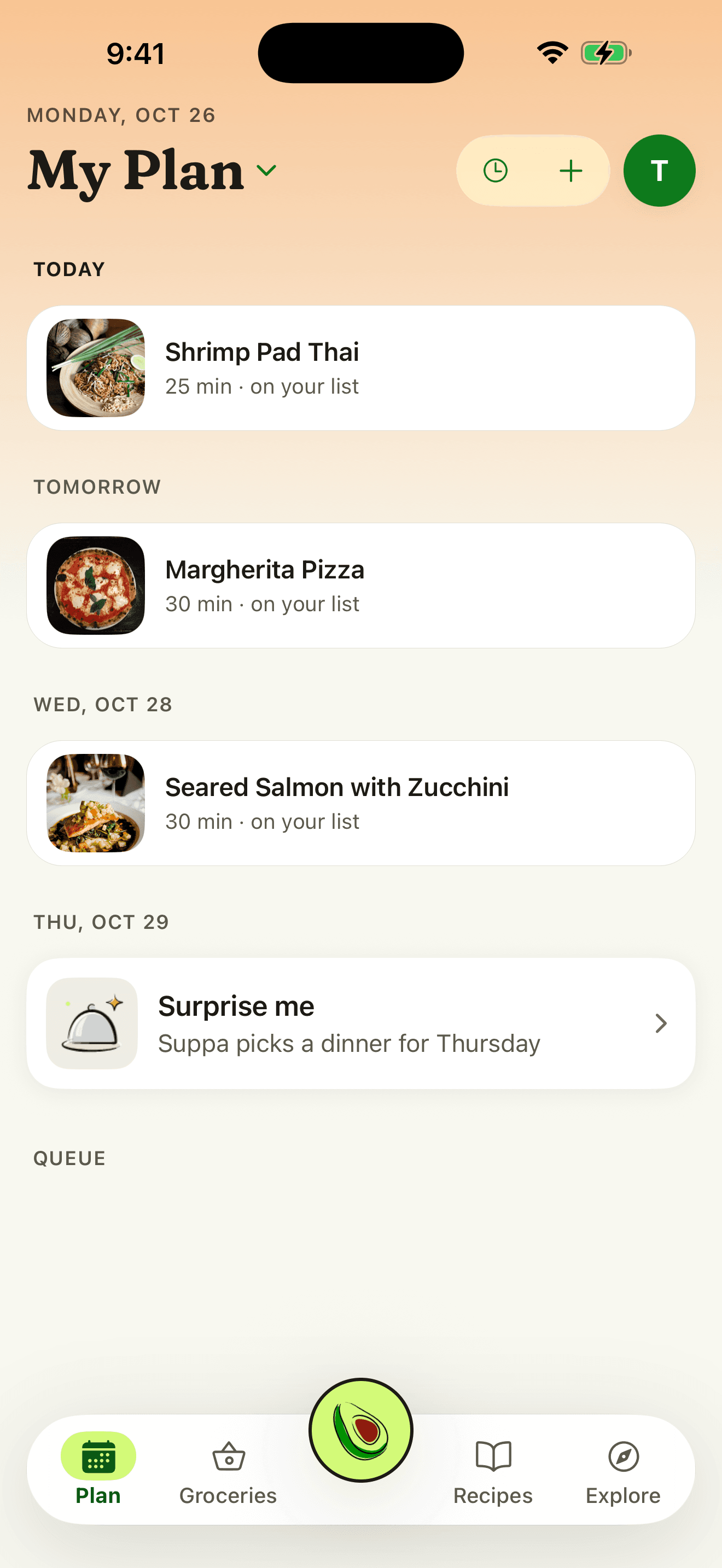
- Suppa For planning the week's dinners from recipes you save, with a partner or the whole house. Suppa saves recipes from TikTok, Instagram, and YouTube posts, recipe sites, and photos. You put them on the nights you're cooking, then add their ingredients to a grocery list grouped by aisle. Your household's shared plan is free to start and join, and each person signs in to their own account. Suppa is built around dinner rather than every meal, recipes come in one at a time, and there's no Android app yet, so on Android it runs in the browser.
Compare one app at a time
Each comparison lists what that app does, where Suppa differs, when the other app is the better fit, and how to move the recipes you've already saved.
Questions
What's the best meal planning app for a family?
It depends on the job. AnyList suits a household that mostly shares a grocery list. Plan to Eat and Paprika suit people who plan from a big recipe collection. ReciMe suits people who save a lot from social media. Suppa suits a household that plans the week's dinners from saved recipes and shares the plan and grocery list free.
Which meal planning apps let my partner and I plan together?
Samsung Food shares plans and grocery lists with family for free. Paprika's family sharing comes with Premium. Plan to Eat and ReciMe have the household sign in to one shared account. In Suppa, each of you signs in to your own account and joins the same shared plan for free.
Is there a free meal planning app with a grocery list?
Yes. Samsung Food and Suppa are free to plan with and make grocery lists. Paprika's free version holds up to 50 recipes and one grocery list, without syncing between devices. ReciMe's free plan includes 5 imports a week. Plan to Eat has a free trial but no free plan.
Which apps save recipes from TikTok and Instagram?
ReciMe and Suppa both save recipes from TikTok and Instagram posts on their free plans, up to a weekly limit. Paprika adds social media import with Premium.
Is Suppa free?
Yes. Importing from links, videos, and photos is free, and so are meal planning, grocery lists, a shared plan for your household, and Cook Mode. The free plan also includes a few Suppa Assistant messages a week. Suppa Plus adds far more, plus more video and photo imports each month. Paid plans start at $9.99 a month. If you're eligible for a free trial on iPhone, you'll see it before you subscribe.
Sources, checked November 17, 2026
- Plan to Eat
- Plan to Eat: How much does Plan to Eat cost?
- AnyList: Compare features and pricing
- AnyList on the App Store
- Paprika: features and pricing
- Paprika 4 is now available for all users
- Samsung Food on the App Store
- Samsung Food on Google Play
- ReciMe on the App Store
- ReciMe: How your 5 free weekly imports work
- ReciMe: How do I share an account?
Plan this week's dinners with your household
Free to download. No card needed.
On Android or a computer, use Suppa in your browser.
Updated November 17, 2026.